How to get clients for an AI receptionist agency
Find local businesses that miss calls, show them what they lose, and send a working demo before the first meeting.
Who misses calls
Local businesses where nobody is free to answer the phone:
- Single-truck trades. The owner is on a job most of the day.
- After-hours calls. Evenings, weekends and emergency calls.
- Seasonal peaks. HVAC in summer and winter, roofing after storms, landscaping in spring.
How to find them
Search one city and one trade at a time. Signals that a business misses calls:
- No website, or a website with no way to book or request a quote.
- A low review count.
- No business hours on the Google Business Profile.
Each result has the business’s website, review count, Google Business Profile link and a check of its website. Open the profile link to see the posted hours. See Results, filters, and exports.
The missed-call audit, done honestly
Call each business during its posted hours, as a customer would. Write down what happened:
- Whether someone answered.
- How many rings before voicemail or a disconnect.
- Whether the voicemail box was set up or full.
- Whether anyone called back, and when.
Use only calls you made. Do not record the call. Do not estimate or invent call volumes, lost revenue or missed-call rates. If you did not call, leave the audit out of the pitch.
Build the demo before the pitch
Build the business a preview site with two paths for a customer: a call button and a Get an estimate form.
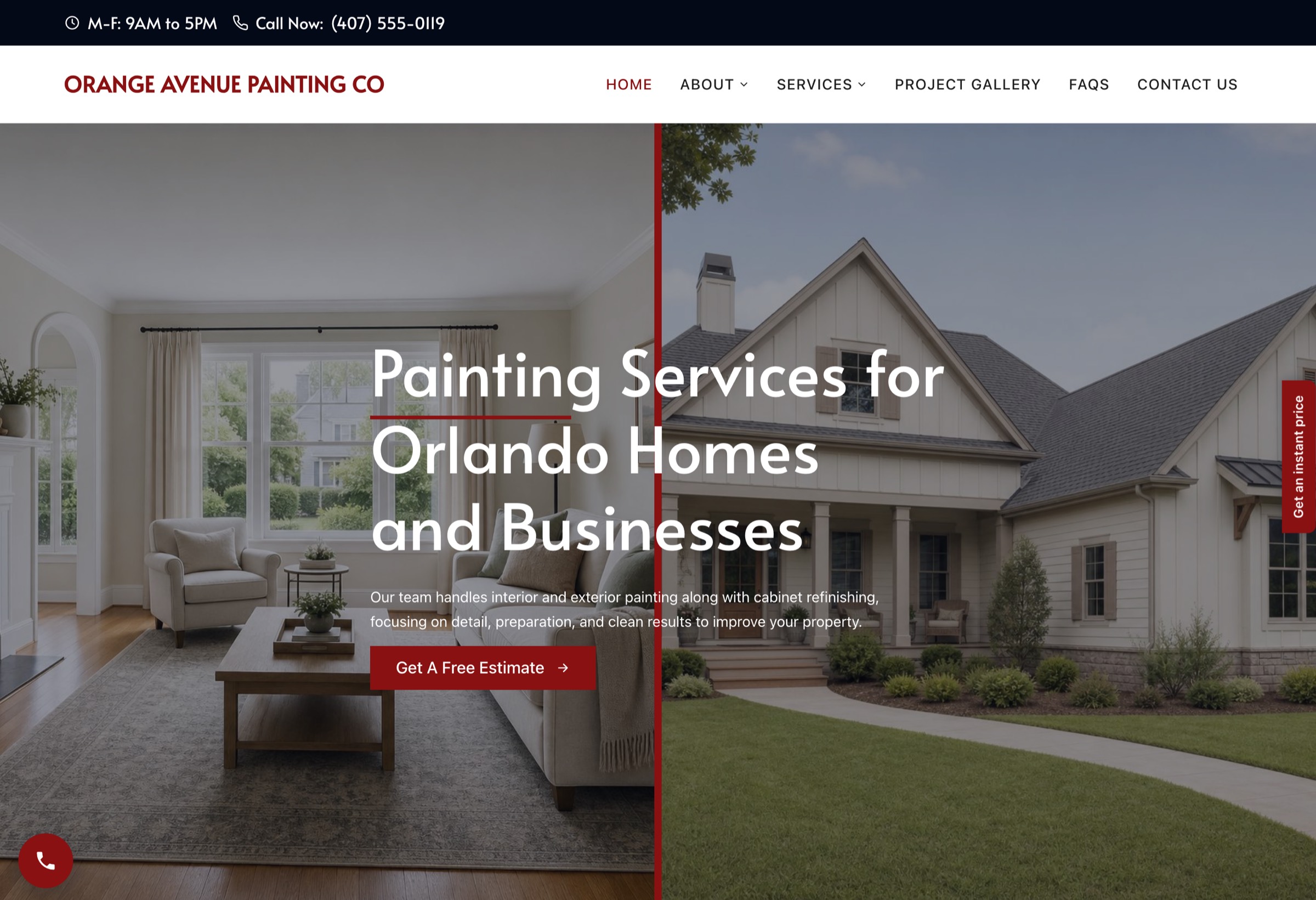
The AI receptionist plugs in at the phone number. Use any receptionist tool that gives you a phone number, put that number on the preview site, and set the greeting to the business’s name and services. Form and price-tool leads go to the owner by email as lead alerts. Call the number yourself before you send the demo.
Outreach sequence
The same three-email shape: day 0, day 3 and day 7, all in one thread. Leave out the first sentence of email 1 if you did not make an audit call.
Subject: calls to [business name]

Hi [first name],

I called [business name] on [day] at [time] and reached [voicemail / no answer].

I built a demo site for [business name] where an AI receptionist answers the phone: [preview link]

Should I send the details?Hi [first name],
Following up on the demo for [business name]: [preview link]. You can call the number on it to hear the receptionist. Should I send the details?Hi [first name],
Last note from me on this. The demo stays up until [expiry date]. Reply if you want it.Every email carries your business name, a mailing address and a line that says how to opt out. Emails 2 and 3 go as replies in the same thread.
Pricing the receptionist add-on
- Setup fee. Covers the greeting, the business details, the call forwarding and testing.
- Monthly fee. Covers the receptionist tool’s usage cost and your support.
Check your receptionist tool’s own per-minute or per-call pricing before you set the monthly fee, so the fee covers your cost at the business’s call volume. Common ranges depend on the market and on what the plan includes. The website can go in the same monthly plan or be priced on its own, as in How to sell websites to local businesses (contractors first).
FAQ
Do I need to sell a website with the receptionist?
No. The preview site makes the demo easier to show, because the prospect can see the call path and call the number. You can sell the receptionist on its own.
Which AI receptionist tool should I use?
Any tool that gives you a phone number, a custom greeting and call summaries by email or text. ShowFirst finds the leads and builds the site. The receptionist comes from the tool you choose.
Can I quote missed-call numbers in my pitch?
Only from calls you made yourself, with the date and time of each one. Do not estimate a business’s missed calls or lost revenue.
What if the business already has a website?
Build the demo anyway and send it with your audit notes. The receptionist number can also go on their current site.
What does ShowFirst cost?
The current price is in the pricing section. Today the founders seat is free for the first ten agencies while the seat stays active. It includes 1 site credit and 100 lead credits.
Search a city and trade. Your first search is free.
Search a city and trade